


Manage your entire digital music collection
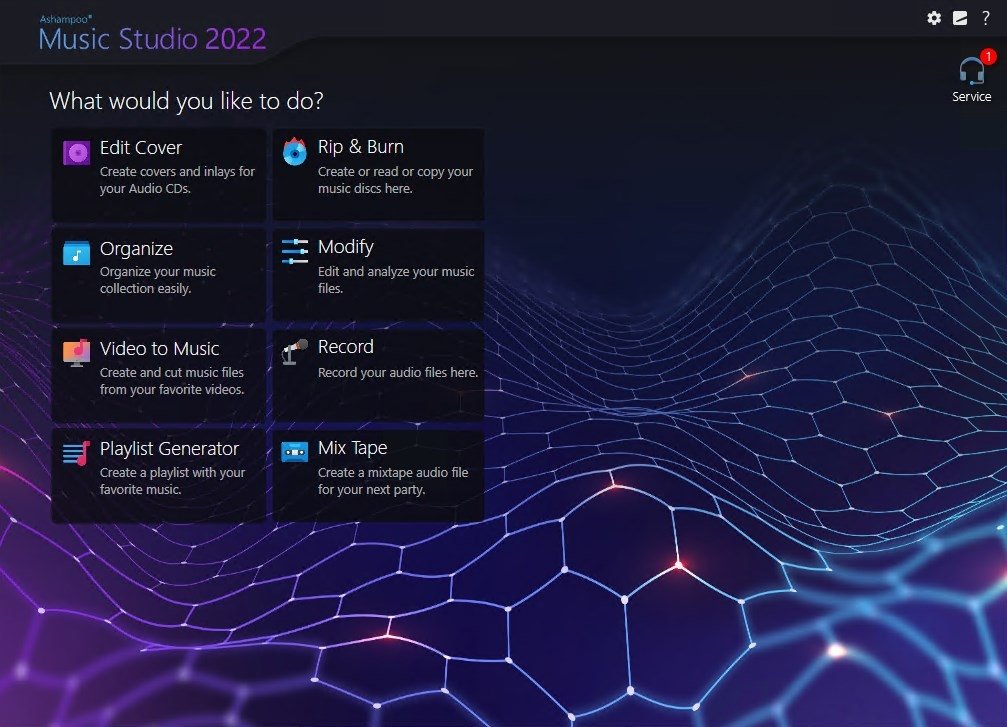
Ashampoo Music Studio 2022 is a comprehensive solution to extract, edit, convert and record your favorite audio files. Ashampoo Music Studio 2022 turns your PC into a easy-to-use sound studio to manage your entire music collection.
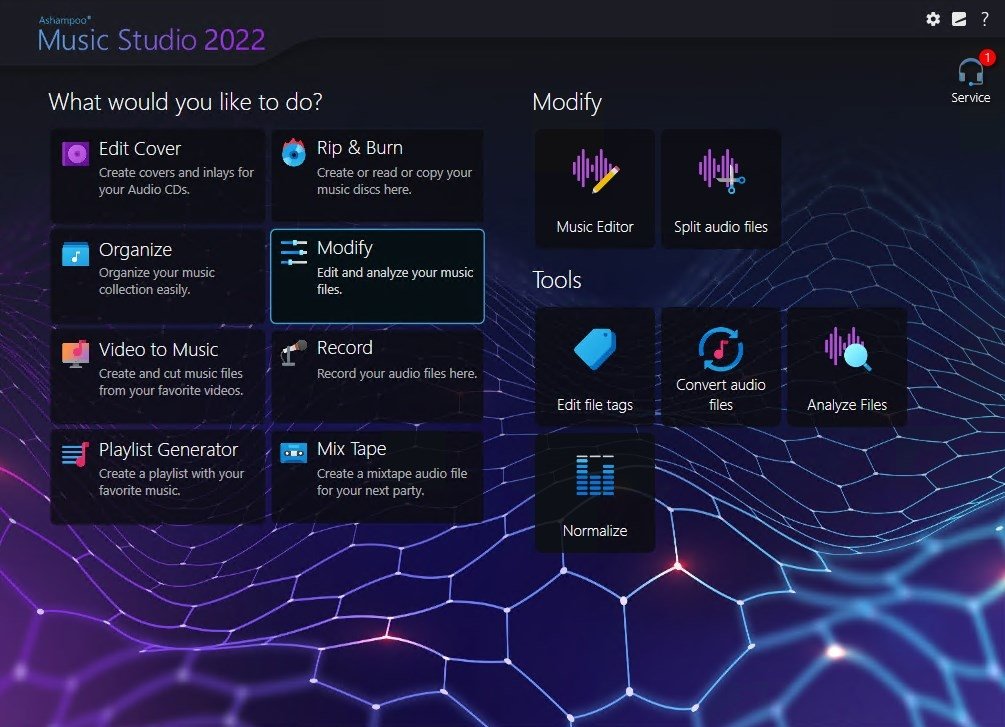
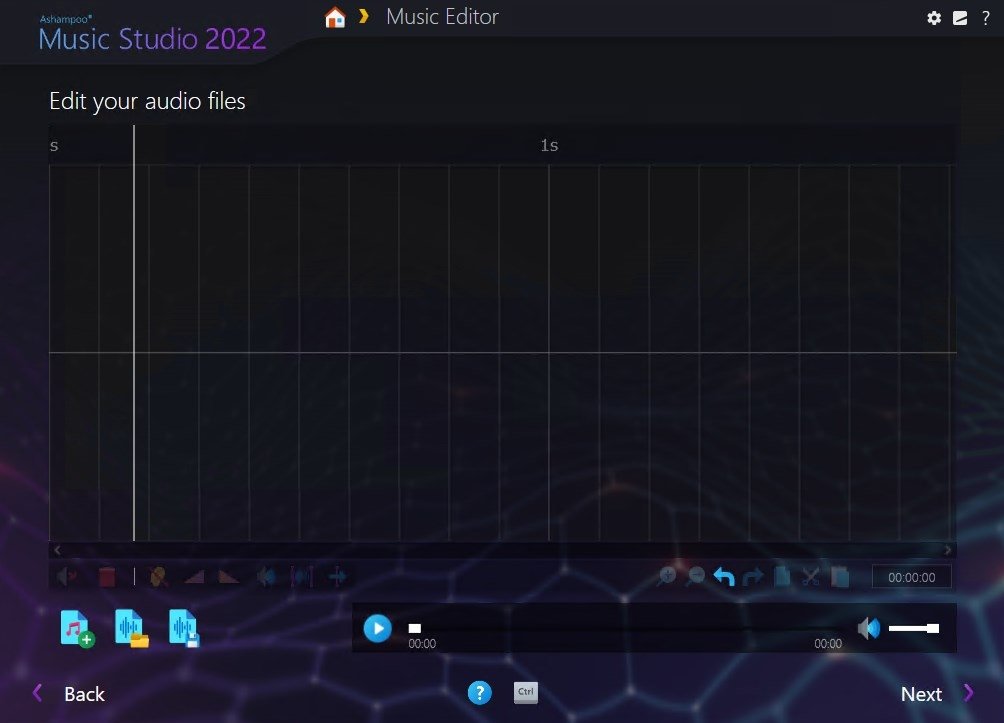
This is a complete solution with multiple useful tools to edit and record audio files, analyze them, extract them, modify the volume, trim or cut segments or mute them. In addition, users will be able to edit metadata, normalize songs, or analyze their audio files, among many other options listed below.
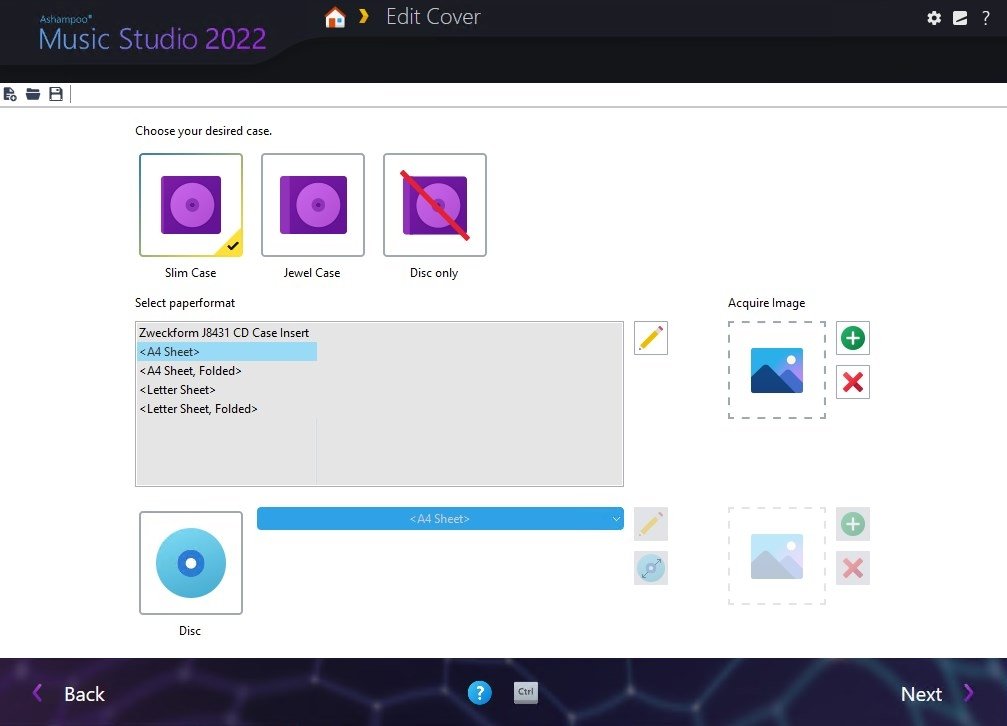
You can even design suitable covers for your projects or create compatible playlists!
Main features
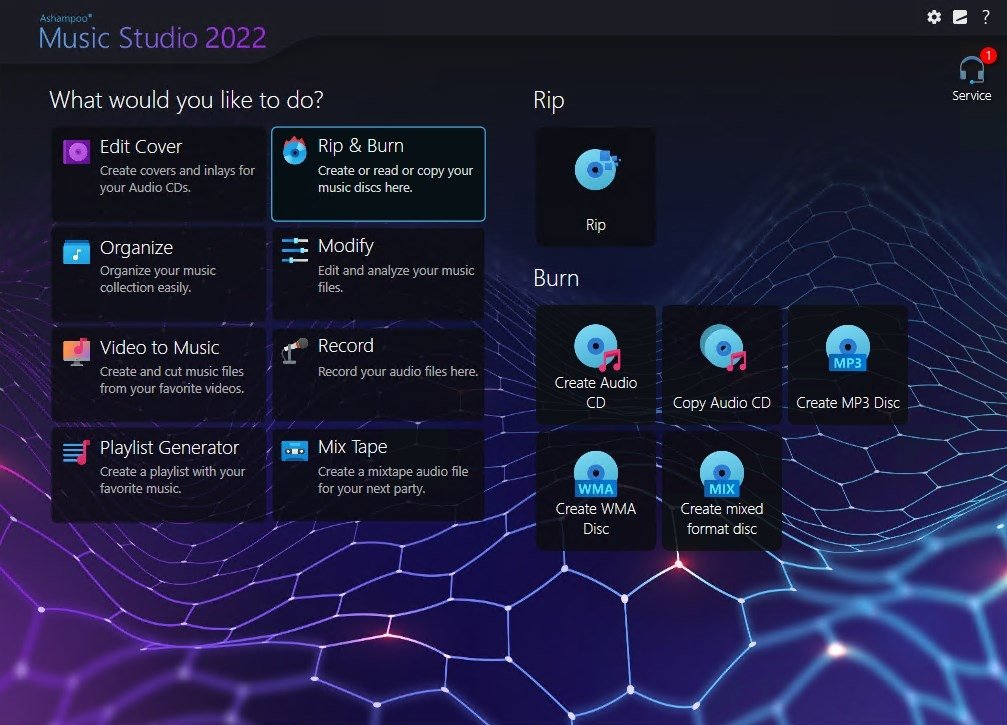
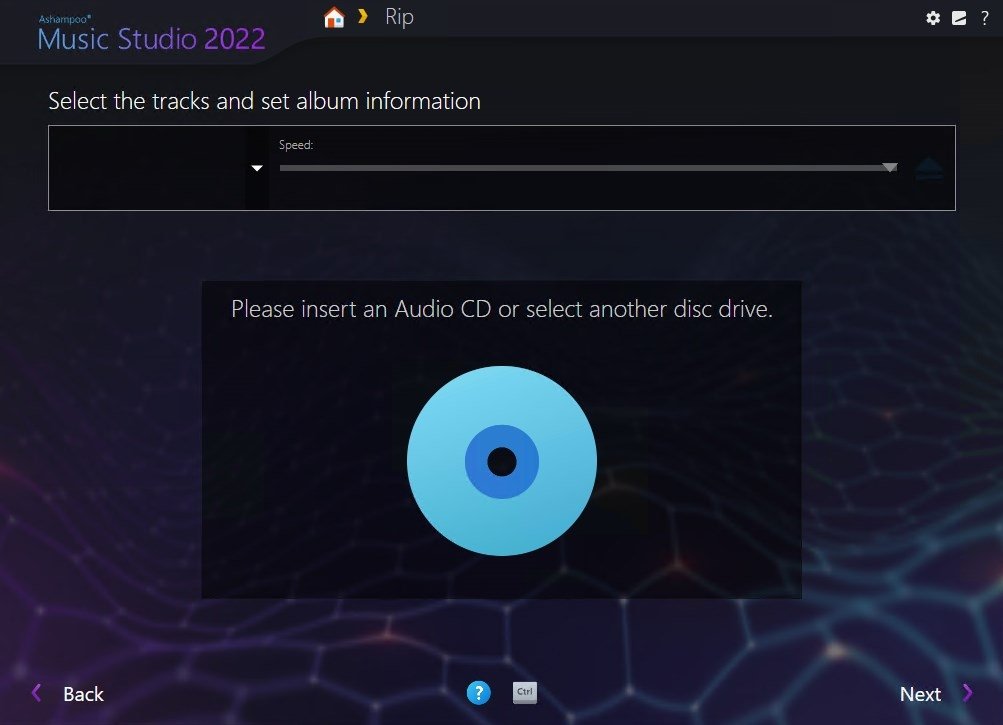
- Extract tracks from any audio CD.
- Burn audio files in different formats: CD, DVD or Blu-ray.
- Manage your music collection data: name, location, and tagging from information from online databases.
- Include basic editing and file conversion tools.
- Audio recording from microphone, line-in, and other audio inputs.
- Create perfect music mixes for each event based on the mood with appropriate transitions and fades.
- Rename song collections with intelligent automatic names based on customizable file naming schemes.
- Import playlists in different formats: M3U, PLS, WPL, XSPF, etc.
- Edit cover artwork, labels or boxes.
Requirements and additional information:
- This is a limited-use valuation version.
- Some functions require an Internet connection.
 Lauriane Guilloux
Hi, I’m Lauriane Guilloux. I grew up surrounded by gadgets and technology and everyone who knows me assumes that it will always be one of my greatest interests. I’ve evolved hand-in-hand with PCs, laptops, video gaming consoles, smartphones,...

Susana Arjona